
Website design for medical practice
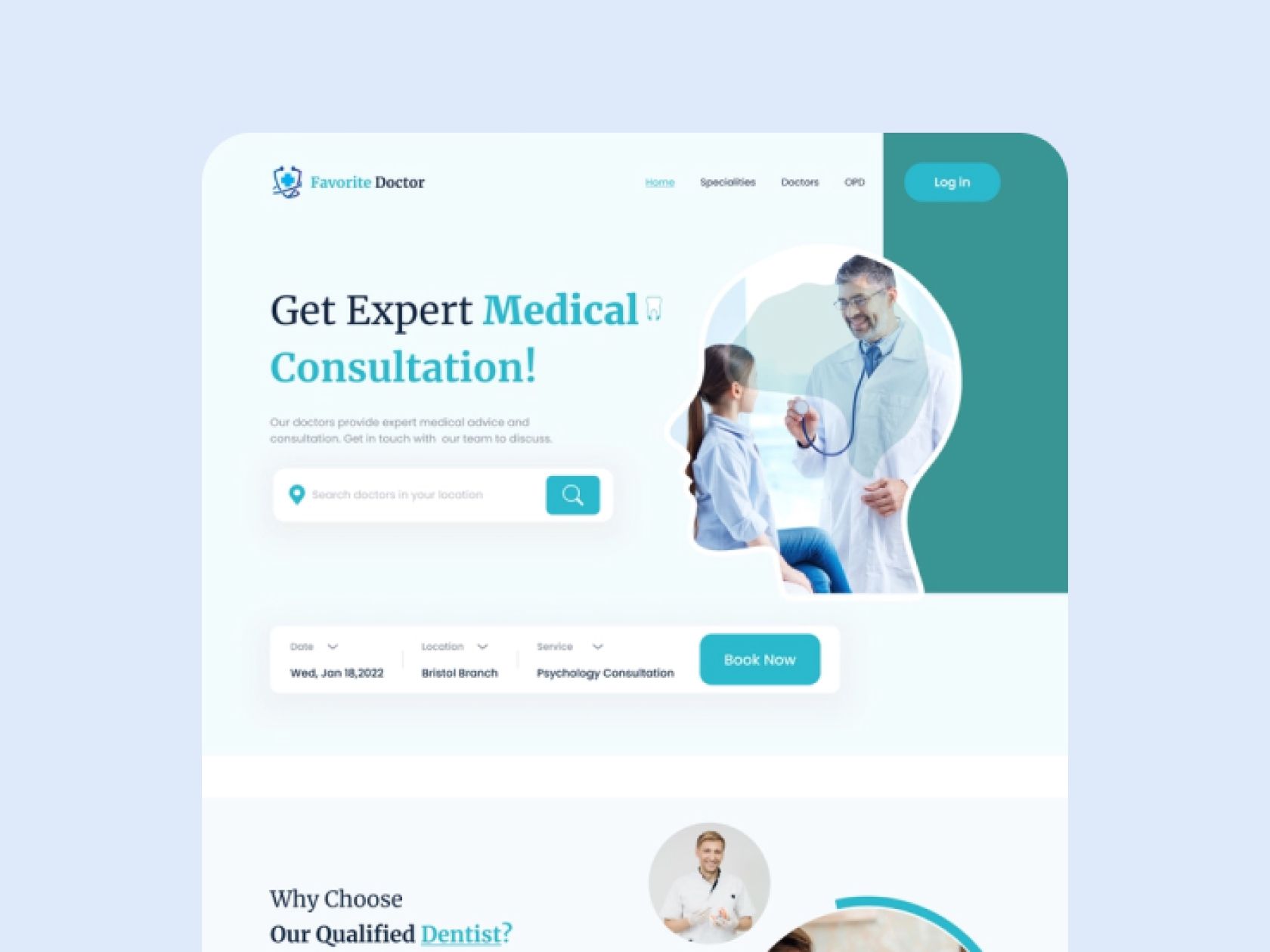
Top reasons why visitors leave your site
- Slow loading. The number one reason on our list.If your page is slow to load, or if it just takes a little longer to load than other pages, the customer is 85% likely to leave it.
- Poor Navigation. If searching for the necessary information on the site takes too long, the user is likely to quickly close the page and try to find information elsewhere.
- Bad Design. Bright colors that crash into the eyes, the unreadable font – all these factors harm your site and make it unusable for users.
- Unreadable Content Structure. When users come to the site looking for information but don't find it, they are more likely to leave the page. Keep this in mind as you fill the page with the necessary information and structure.
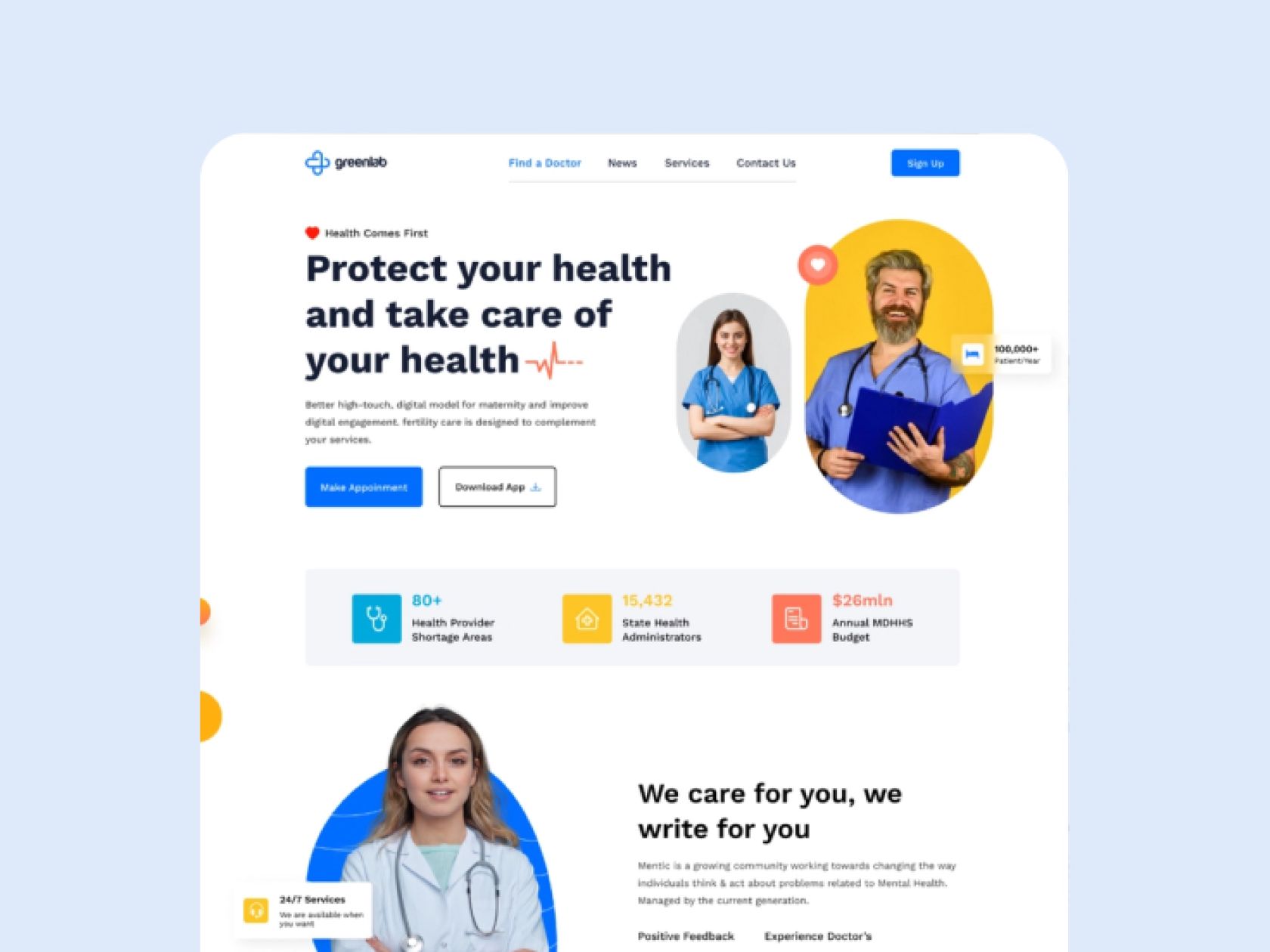
Attention to detail is essential for a website in the medical field, making it easier for users to locate the data they require, book medical appointments, acquire lab results, and make changes to their appointments, among other things.
Main Tips
When creating a website for the Medical industry, the primary focus should be the expectations of the target demographic. The design should be user-friendly for not just doctors and patients, but also for older adults who regularly visit the clinic. Here are our suggestions for producing an exemplary website for Healthcare.
Intuitive Site Navigation
Returning to the reasons why visitors leave the site rapidly, the initial point to consider is the straightforward navigation of the website. In the case of a landing page, the structure should be consistent and easily understandable. It is important to organize the information on the page that way, so that if someone has a query while reading a part, they can locate the answer in the following section.
In order to create a well-made website, it's important to have the copywriter use the right format and the designer to have a well-defined division of sections. Additionally, making a visual representation of the website will help the target audience understand what and where to click.
Incorporate voice search into your website to facilitate the process for elderly customers to locate the products they are looking for. Additionally, you can provide a search option based on symptoms or illnesses.
Simple Search
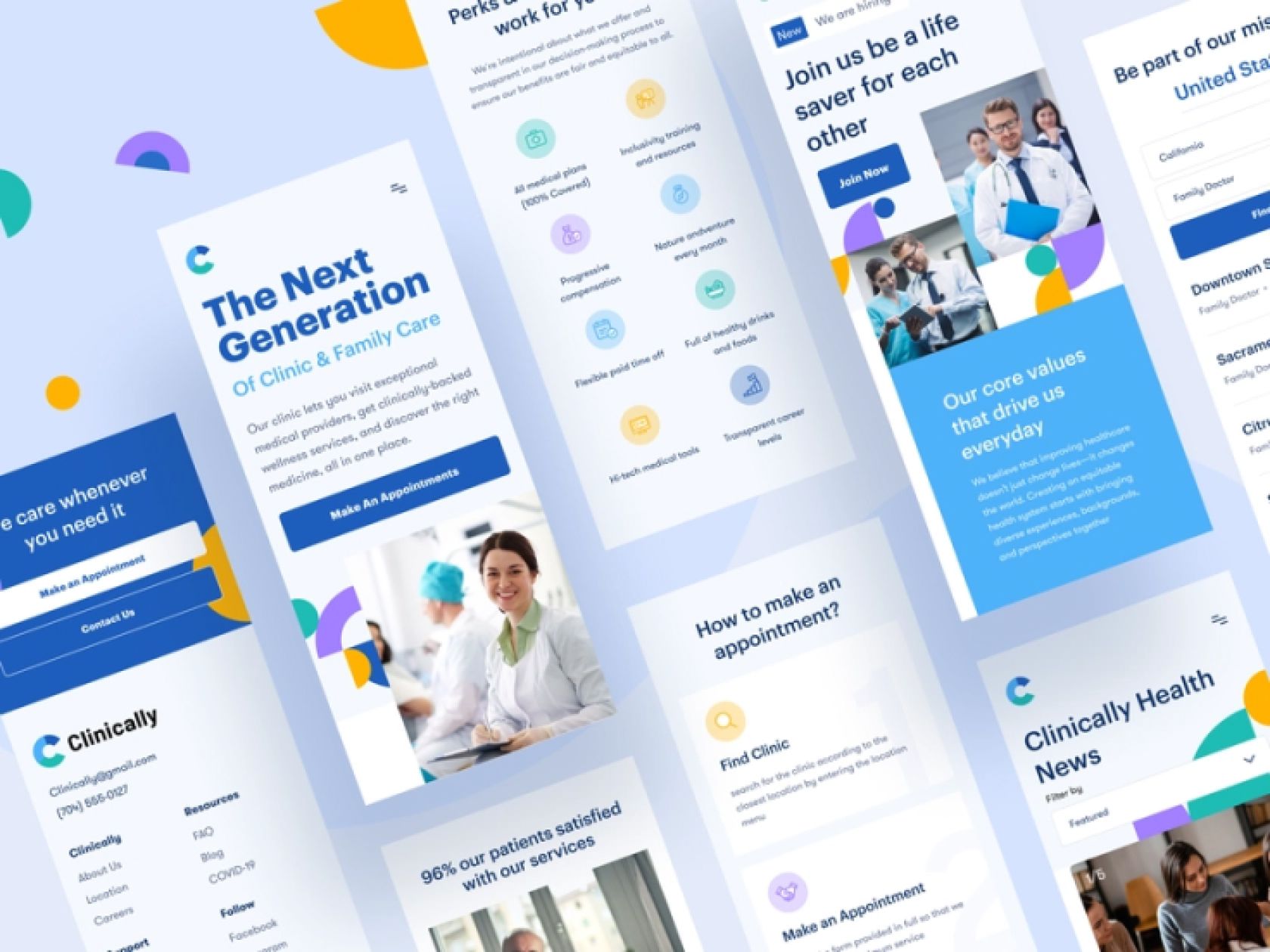
Provide your site's users with full searchability by adding a search bar or creating a FAQ section.
It's essential for any medical site to have two components for easy navigation. Firstly, a search bar should be placed on a designated page to find out test results. Secondly, another search bar should be created for a doctor's specialty. For better management, a page with instructions on how to search for a specific outcome should be created.
Fast Load Speed
The first point to consider is that users abandon a website if it is slow to load. To avoid this issue, the loading of the page should be optimized to ensure that it is as fast as possible. Optimization is the key factor in determining the speed of loading.
- Optimize images. Before you add an image to the site, compress it. This way it takes less time to load a site with lots of images.
- Optimize the video. On the same principle as images, you need to optimize the video on the page and video elements.
- Web cashing. Set up page caching for better usability and faster loading.
- Compress files. Also, don't forget to compress all of the files that you have on your site. Since a medical site will provide many files to work with, such as test results, you need to make sure that the files are compressed and easy to download.
Reviews Considering
Provide users with the chance to give comments. Once you consider the remarks from your users, you can enhance your website and your services. By permitting users to leave feedback, you will give them the understanding that their view is significant to you.
To provide better feedback to your customers, incorporate physicians into their and their patients' responses. Answering inquiries in the feedback with answers from qualified doctors will draw in more patients.
Product Card
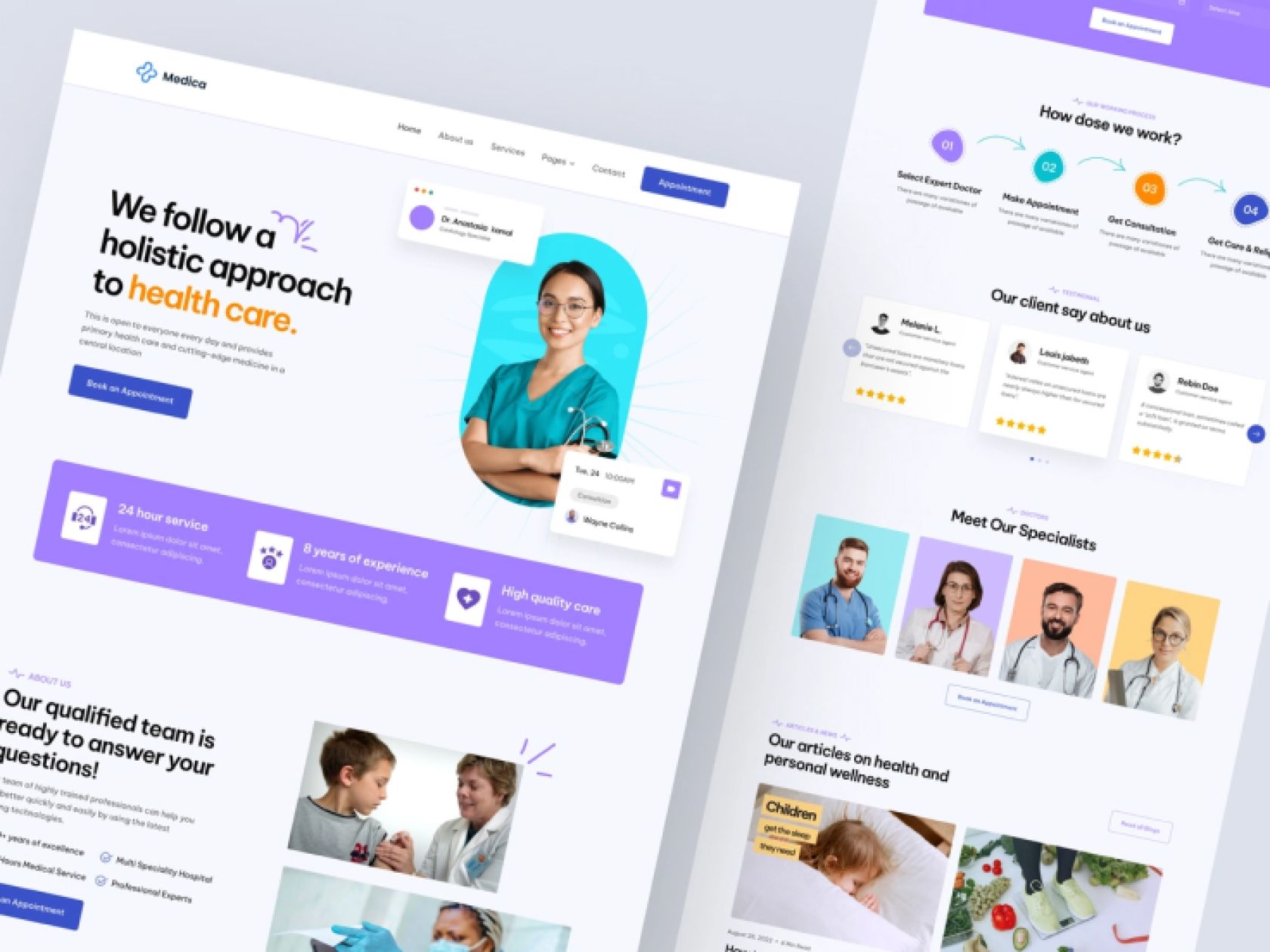
A major benefit of having a medical website (especially if it offers medication to patients) is having the medication data on its own page. This way, the patient can quickly view what medication they are prescribed and attach it to the prescription.
Such cards with medications can also be developed and improved:
- Add analogues to each product card. So that customers can see additional options other than your suggested ones.
- They are selecting a dosage. Each card should allow customers to buy the product and choose a specific dosage for themselves, according to their intended use. Ideally, the doctor's appointments in digital mode should immediately pull up the product card.
- Filter by the manufacturer. Give your patients the ability to select products from specific manufacturers.
Format Suitable
Various healthcare websites must be capable of uploading documents in specific formats that adhere to the standards of worldwide health organizations. Therefore, confirm with the designer to ensure that the page is compatible with particular file types, such as MedML.
Clear Contact Information
Be sure to include contact details on your website. Make sure to include some mandatory fields with key contact info:
Phone and email. The simplest thing that should definitely be on your site is information about customer service. So be sure to include this information.
Online scheduling tool. Prepare an online doctor's appointment form on your site. This will save you a lot of free time, and it will make it much easier for users to make appointments.
Physical address. And if your organization has a physical location or office – be sure to indicate this on your site, preferably with a map.
Mobile Friendly
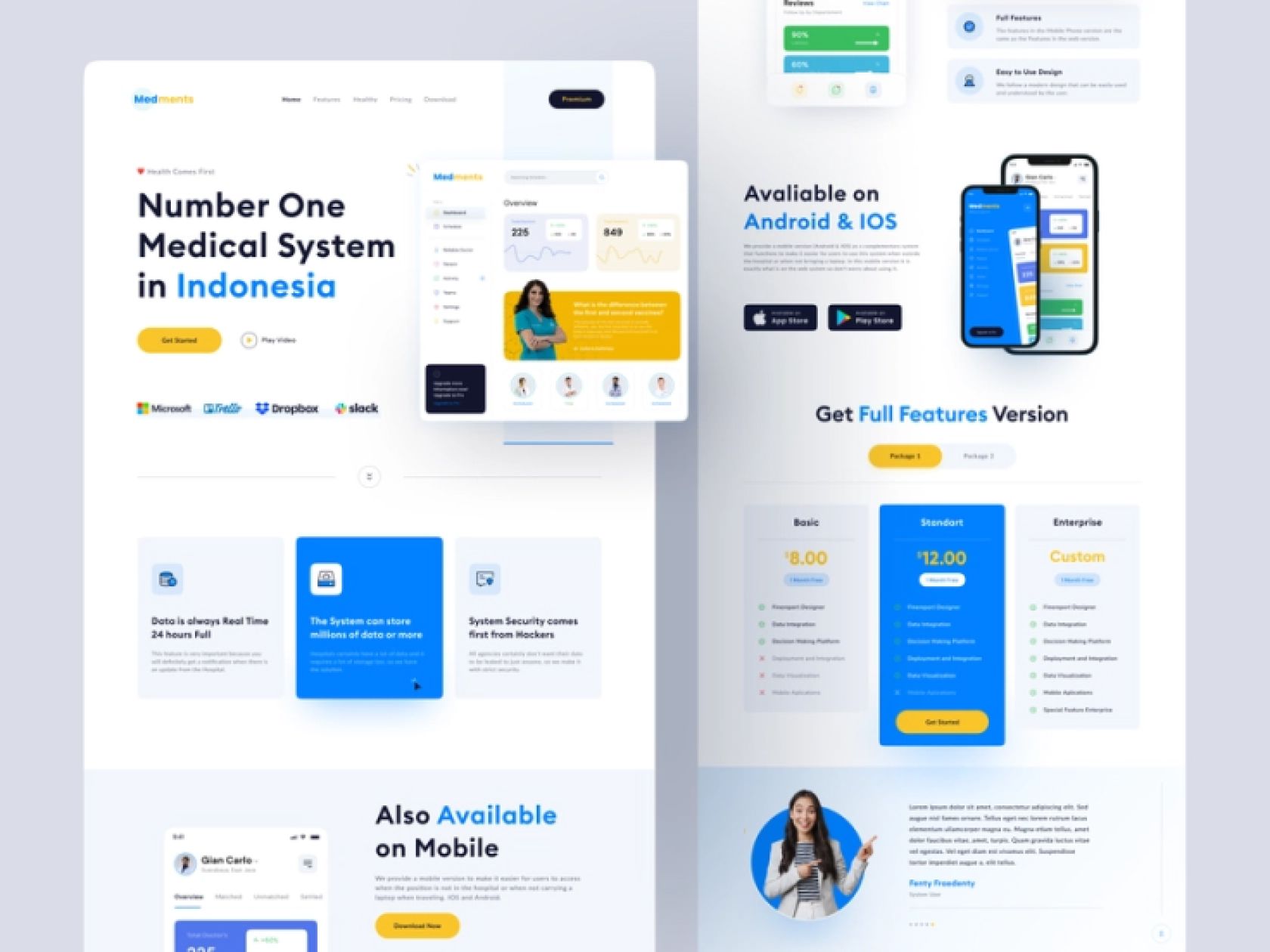
The final suggestion is to ensure that your website is mobile-friendly; currently, the majority of users access websites from their phones rather than their computers. Thus, special attention should be paid to ensure that the design of the mobile version of the website is optimized for use on a phone.
It's free and takes 2 minutes. There are 1500+ digital agencies in the catalog that are ready to help in the implementation of your tasks. Choose and save up to 30% on time and budget!








Top reasons why visitors leave your site
- Slow loading. The number one reason on our list.If your page is slow to load, or if it just takes a little longer to load than other pages, the customer is 85% likely to leave it.
- Poor Navigation. If searching for the necessary information on the site takes too long, the user is likely to quickly close the page and try to find information elsewhere.
- Bad Design. Bright colors that crash into the eyes, the unreadable font – all these factors harm your site and make it unusable for users.
- Unreadable Content Structure. When users come to the site looking for information but don't find it, they are more likely to leave the page. Keep this in mind as you fill the page with the necessary information and structure.
Attention to detail is essential for a website in the medical field, making it easier for users to locate the data they require, book medical appointments, acquire lab results, and make changes to their appointments, among other things.
Main Tips
When creating a website for the Medical industry, the primary focus should be the expectations of the target demographic. The design should be user-friendly for not just doctors and patients, but also for older adults who regularly visit the clinic. Here are our suggestions for producing an exemplary website for Healthcare.
Intuitive Site Navigation
Returning to the reasons why visitors leave the site rapidly, the initial point to consider is the straightforward navigation of the website. In the case of a landing page, the structure should be consistent and easily understandable. It is important to organize the information on the page that way, so that if someone has a query while reading a part, they can locate the answer in the following section.
In order to create a well-made website, it's important to have the copywriter use the right format and the designer to have a well-defined division of sections. Additionally, making a visual representation of the website will help the target audience understand what and where to click.
Incorporate voice search into your website to facilitate the process for elderly customers to locate the products they are looking for. Additionally, you can provide a search option based on symptoms or illnesses.
Simple Search
Provide your site's users with full searchability by adding a search bar or creating a FAQ section.
It's essential for any medical site to have two components for easy navigation. Firstly, a search bar should be placed on a designated page to find out test results. Secondly, another search bar should be created for a doctor's specialty. For better management, a page with instructions on how to search for a specific outcome should be created.
Fast Load Speed
The first point to consider is that users abandon a website if it is slow to load. To avoid this issue, the loading of the page should be optimized to ensure that it is as fast as possible. Optimization is the key factor in determining the speed of loading.
- Optimize images. Before you add an image to the site, compress it. This way it takes less time to load a site with lots of images.
- Optimize the video. On the same principle as images, you need to optimize the video on the page and video elements.
- Web cashing. Set up page caching for better usability and faster loading.
- Compress files. Also, don't forget to compress all of the files that you have on your site. Since a medical site will provide many files to work with, such as test results, you need to make sure that the files are compressed and easy to download.
Reviews Considering
Provide users with the chance to give comments. Once you consider the remarks from your users, you can enhance your website and your services. By permitting users to leave feedback, you will give them the understanding that their view is significant to you.
To provide better feedback to your customers, incorporate physicians into their and their patients' responses. Answering inquiries in the feedback with answers from qualified doctors will draw in more patients.
Product Card
A major benefit of having a medical website (especially if it offers medication to patients) is having the medication data on its own page. This way, the patient can quickly view what medication they are prescribed and attach it to the prescription.
Such cards with medications can also be developed and improved:
- Add analogues to each product card. So that customers can see additional options other than your suggested ones.
- They are selecting a dosage. Each card should allow customers to buy the product and choose a specific dosage for themselves, according to their intended use. Ideally, the doctor's appointments in digital mode should immediately pull up the product card.
- Filter by the manufacturer. Give your patients the ability to select products from specific manufacturers.
Format Suitable
Various healthcare websites must be capable of uploading documents in specific formats that adhere to the standards of worldwide health organizations. Therefore, confirm with the designer to ensure that the page is compatible with particular file types, such as MedML.
Clear Contact Information
Be sure to include contact details on your website. Make sure to include some mandatory fields with key contact info:
Phone and email. The simplest thing that should definitely be on your site is information about customer service. So be sure to include this information.
Online scheduling tool. Prepare an online doctor's appointment form on your site. This will save you a lot of free time, and it will make it much easier for users to make appointments.
Physical address. And if your organization has a physical location or office – be sure to indicate this on your site, preferably with a map.
Mobile Friendly
The final suggestion is to ensure that your website is mobile-friendly; currently, the majority of users access websites from their phones rather than their computers. Thus, special attention should be paid to ensure that the design of the mobile version of the website is optimized for use on a phone.