
Green color and its shades on the site: in which niches is it better to use
The green color in web design is not just a choice of palette, but an opportunity to create a special atmosphere and evoke certain associations among visitors. Let's take a deeper dive into the world of green shades and see how they are used in web design.
What are your associations with the green color and its shades? Green is the color of nature, freshness, and life. It is associated with growth, renewal, and balance. Green shades can evoke feelings of calm, comfort and security.
What emotions does green color evoke on a website?
Green is often used on websites that want to create an atmosphere of calm and relaxation. For example, green is often used on websites about travel, nature, health, and fitness. Green color on a website evokes a lot of positive emotions, such as
- Calmness. Green color is associated with nature, which causes a feeling of calm and relaxation.
- Freshness. Green is also associated with freshness and renewal.
- Hope. Green is often used as a symbol of hope and new beginnings.
- Nature. Green is reminiscent of nature, which can evoke a sense of connection with the world around us.
- Health. Green is also associated with health and well-being.
Here are some specific examples of how green can be used on a website to create certain emotions:
- To create an atmosphere of calm and relaxation, green can be used as the main background color or as a color for interface elements such as buttons and links.
- To create an atmosphere of freshness and renewal, green can be used in combination with other light colors such as white or blue.
- To create an atmosphere of hope, green can be used in combination with other bright colors, such as yellow or orange.
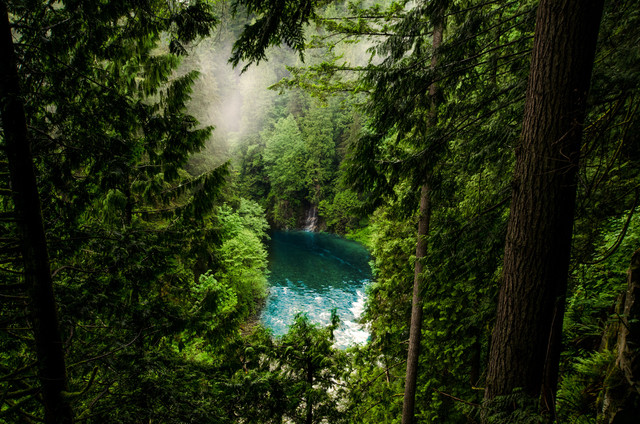
- To create an atmosphere of nature, green can be used in combination with images of nature, such as trees, flowers, or the sea.
- To create an atmosphere of health and well-being, green can be used in combination with images of healthy food or sports.
When using the green color on your website, it is important to consider the context in which it is used. For example, green can be used to create different emotions depending on whether it is used as the main background color, a color for interface elements, or in combination with other colors.
Top popular green shades in web design
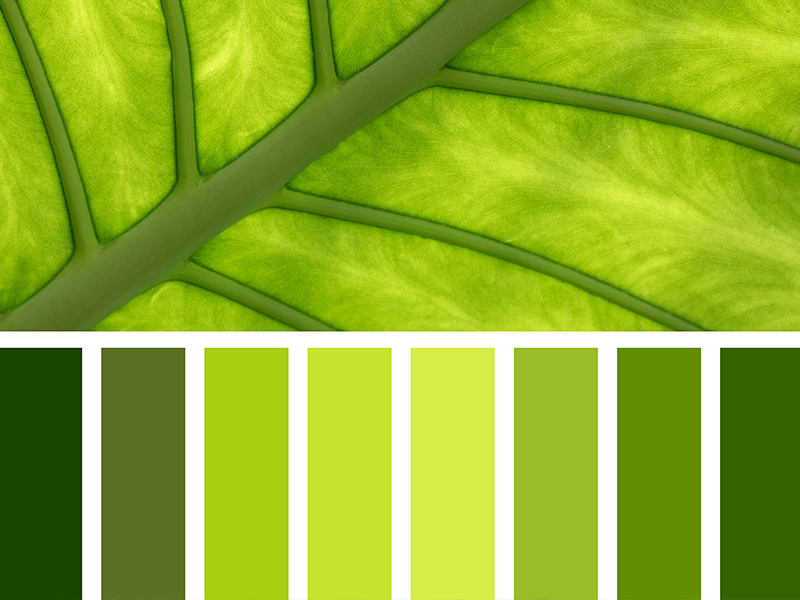
Lime Green. Lime green is often used to give energy and dynamism. It attracts attention and is often found in designs aimed at a young audience.
Emerald Green. Emerald green gives nobility and luxury. This shade is often used in the design of websites for luxury goods, jewelry and fashion brands.
Ripe Green. Ripe green, reminiscent of the color of grass in summer, creates an atmosphere of freshness and naturalness. It is perfect for websites related to ecology, agriculture, and healthy lifestyles.
What areas of application are ideal for green in web design?
Environmental organizations. Green shades are widely used in the web design of organizations that deal with ecology and environmental protection. They create associations with environmental care and sustainability.
Sports websites. Lime and bright green shades are actively used on websites dedicated to sports. They stimulate energy and are associated with an active lifestyle.
Technology platforms. Ripe green can be used on websites dedicated to technology and innovation. It symbolizes freshness of thought and innovation.
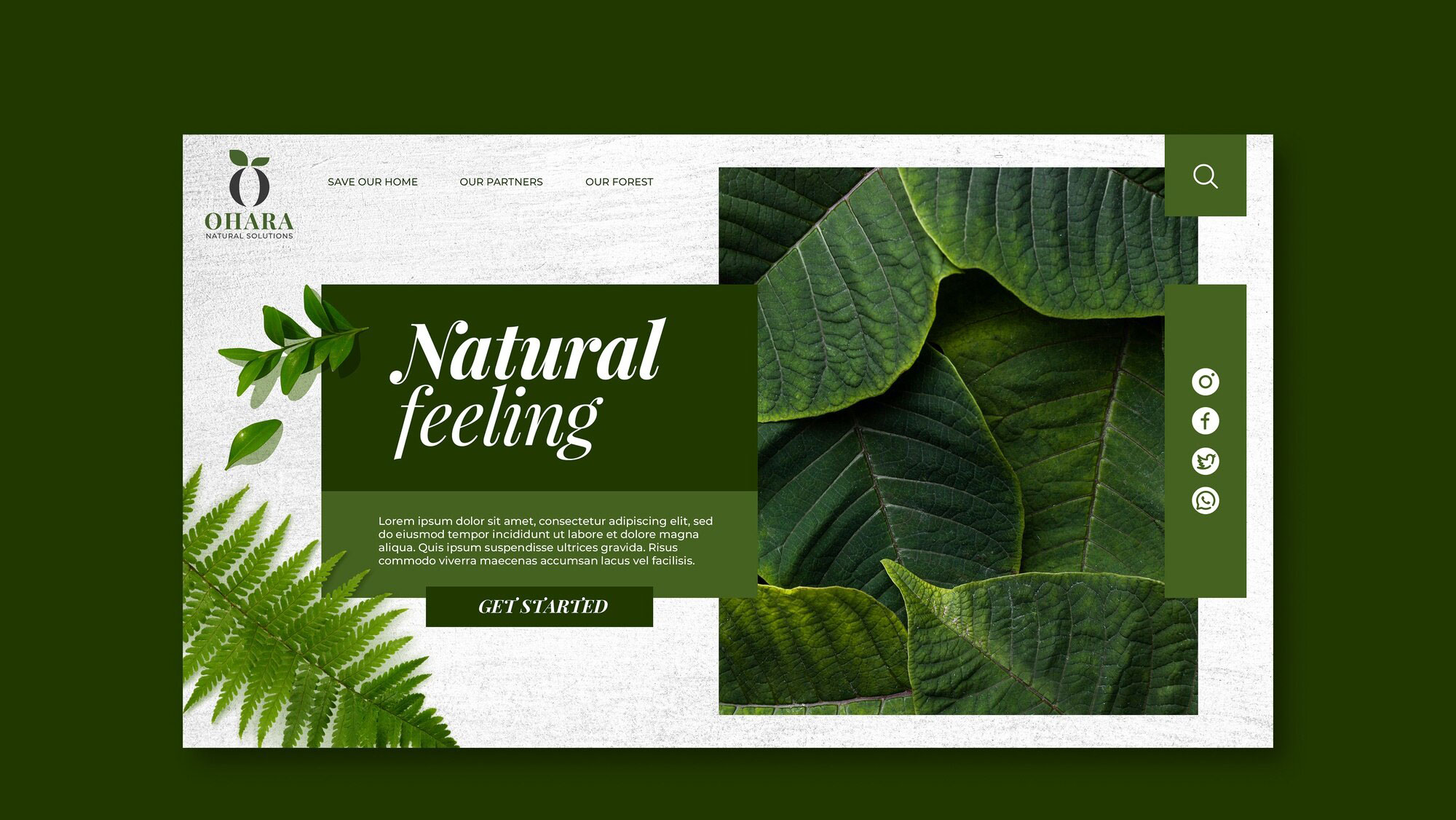
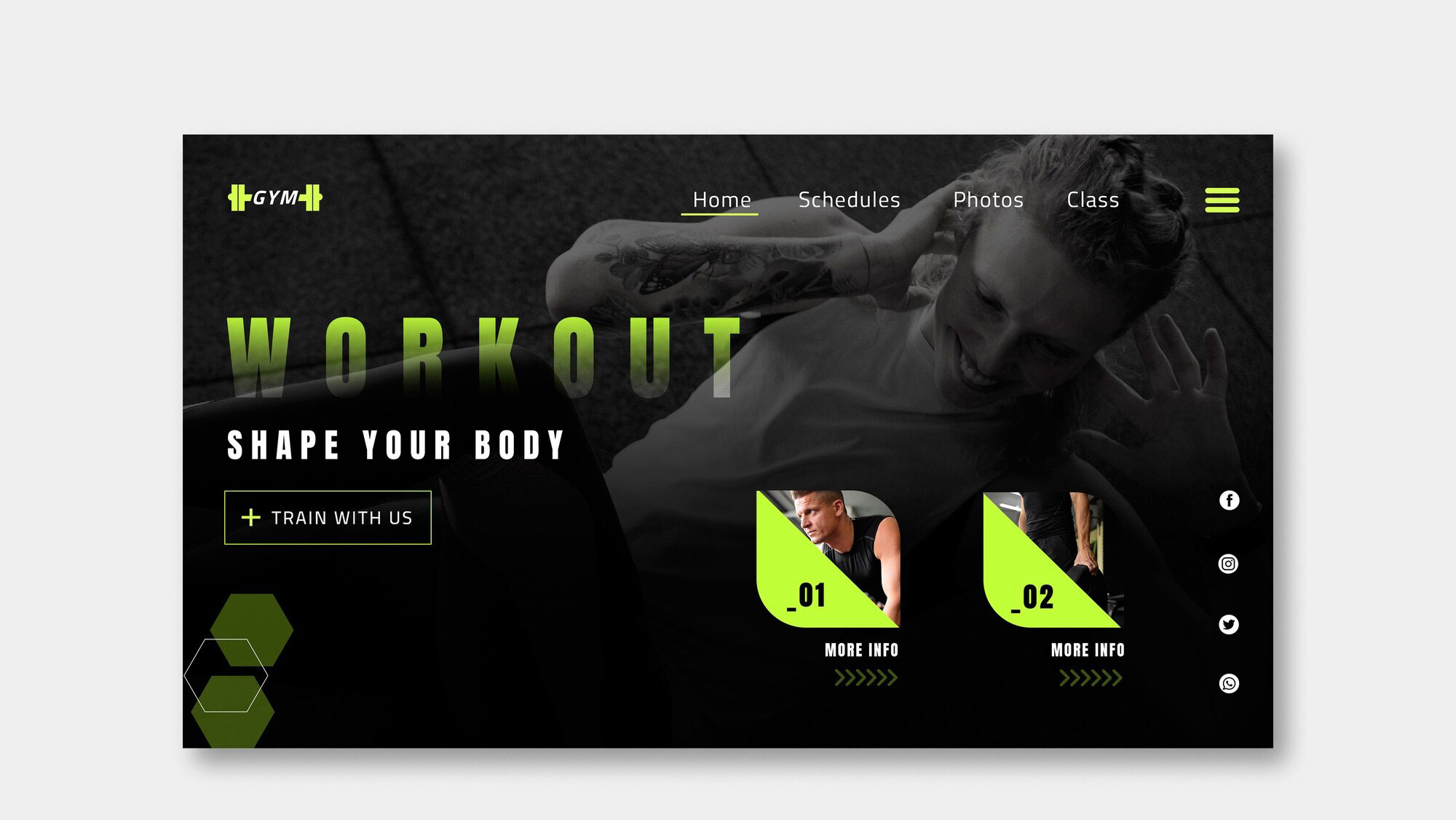
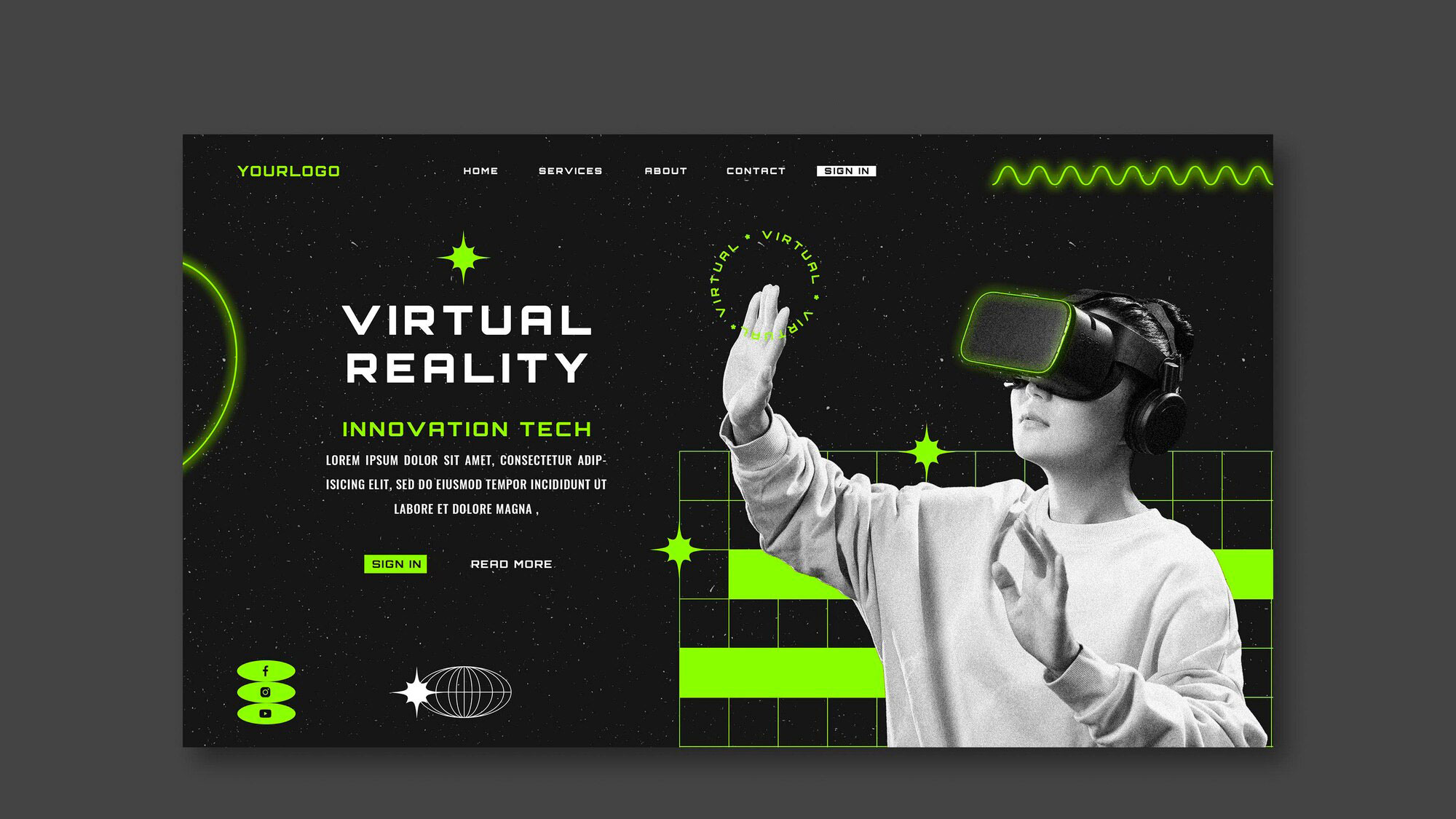
Green shades in web design are a powerful tool for conveying emotions and creating the right atmosphere. By choosing the right shade, you can create a unique and memorable website look. The variety of green colors provides designers with ample opportunities for creativity and emphasizing the features of a brand or website theme.



It's free and takes 2 minutes. There are 1500+ digital agencies in the catalog that are ready to help in the implementation of your tasks. Choose and save up to 30% on time and budget!