
The Best Website Builders of 2022

Website builders are a godsend for those business owners who want a cheap, affordable, and high-quality website for their company. Website builders are the perfect way to create a page on the Internet for any field of activity: for a small business, an online store, or a portfolio. At the same time, constructors do not require special effort or programming skills. There are many website builders on the Internet today, and all of them provide services that are important for creating a website, such as domain registration, hosting, a built-in editor for easy content publishing, support, and other useful features.
The main advantages of website builders are simplicity and convenience. To create your own page, you will need a minimum of financial costs, and on some tariff plans, the website can be absolutely free. And we know exactly what you're thinking about: how to choose the right website builder among hundreds of others. Well, IT Rating is here to help. We analyzed all the available website builders and compared them all with each other in terms of price, convenience, functionality, the amount of traffic that a website can handle on such a website builder, hosting storage space, photos and other content, and reviews. All this work has been done so that you can choose the best website builder for your business. To do this, you can refer to the table below:
|
Builder |
Rating |
Starting price, $/m |
The price per month/year |
Free plan or trial |
Visual Editor |
Online store |
Templates/free ones |
|
Weebly |
4.4 |
6 |
6 |
Yes |
Yes |
No |
Yes |
|
GoDaddy |
4.4 |
6 |
6.99 |
Yes |
Yes |
No |
Yes |
|
1&1 IONOS |
4.3 |
5 |
5 |
No |
Yes |
No |
Yes |
|
Squarespace |
4.2 |
16 |
16 |
Yes |
Yes |
No |
Yes |
|
Jimdo Creator |
3.6 |
0 |
0 |
Yes |
Yes |
No |
Yes |
|
Strikingly |
3.4 |
8 |
8 |
Yes |
Yes |
No |
Yes |
|
SITE123 |
4.0 |
10.8 |
12.80 |
Yes |
Yes |
No |
Yes |
|
HostGator |
4.1 |
3.46 |
3.46 |
Yes |
Yes |
No |
Yes |
|
Wix |
4.0 |
16 |
16 |
Yes |
Yes |
Yes |
Yes |
|
Shopify |
4.0 |
29 |
29 |
Yes |
Yes |
Yes |
Yes |
|
Zyro |
3.9 |
2.69 |
2.90 |
Yes |
Yes |
No |
Yes |
|
Wordpress.org |
3.7 |
4 |
4 |
Yes |
No |
No |
No |
Weebly
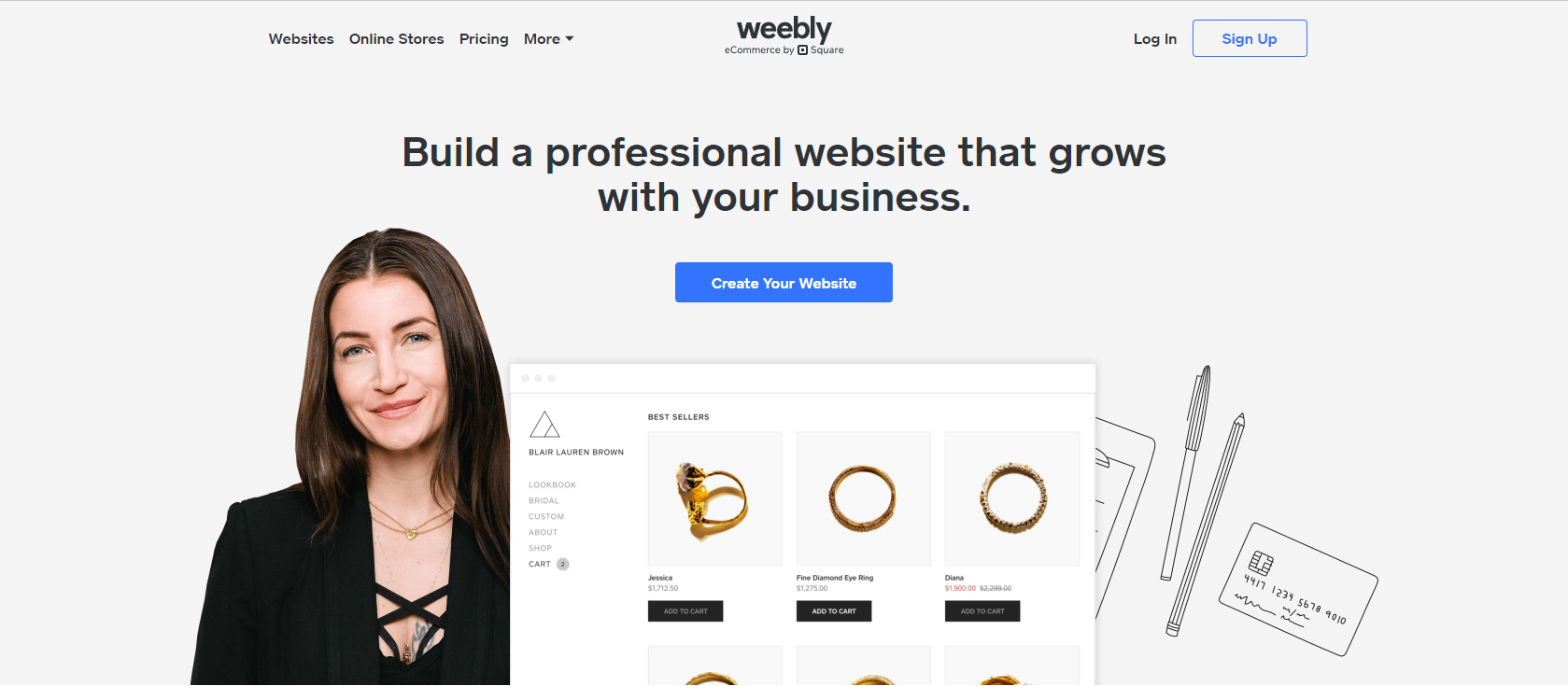
Weebly is a modern solution for anyone who wants to create a powerful website for their business. It is very simple to use, so you will understand everything even if wesbite creation is something new to you.
Purpose: e-commerce, landing page, small business.
Benefits: trial and free plans, simple interface.
Disadvantages: not perfect for long-time cooperation because not all modern options are available.
Prices range from $6 to $26 per month
GoDaddy

Most people say that GoDaddy is really user-friendly, so it is often used by people who want to create a website for their business. GoDaddy is considered the fastest constructor compared to others. This constructor has free templates and all the important elements for easy website creation.
But if you want a really powerful page that meets all your client's needs, GoDaddy should not be your choice. With GoDaddy, your page would not be that personalized and creative. Choose this constructor just to find out what website development is.
Purpose: simple landing pages and sites for small businesses.
Benefits: convenient interface and clear design, low prices, free plans, and one-month trial.
Disadvantages: GoDaddy's tools are not enough to make big and unique projects.
Price: ranges from 6 up to 29,99 dollars per month.
1&1 IONOS
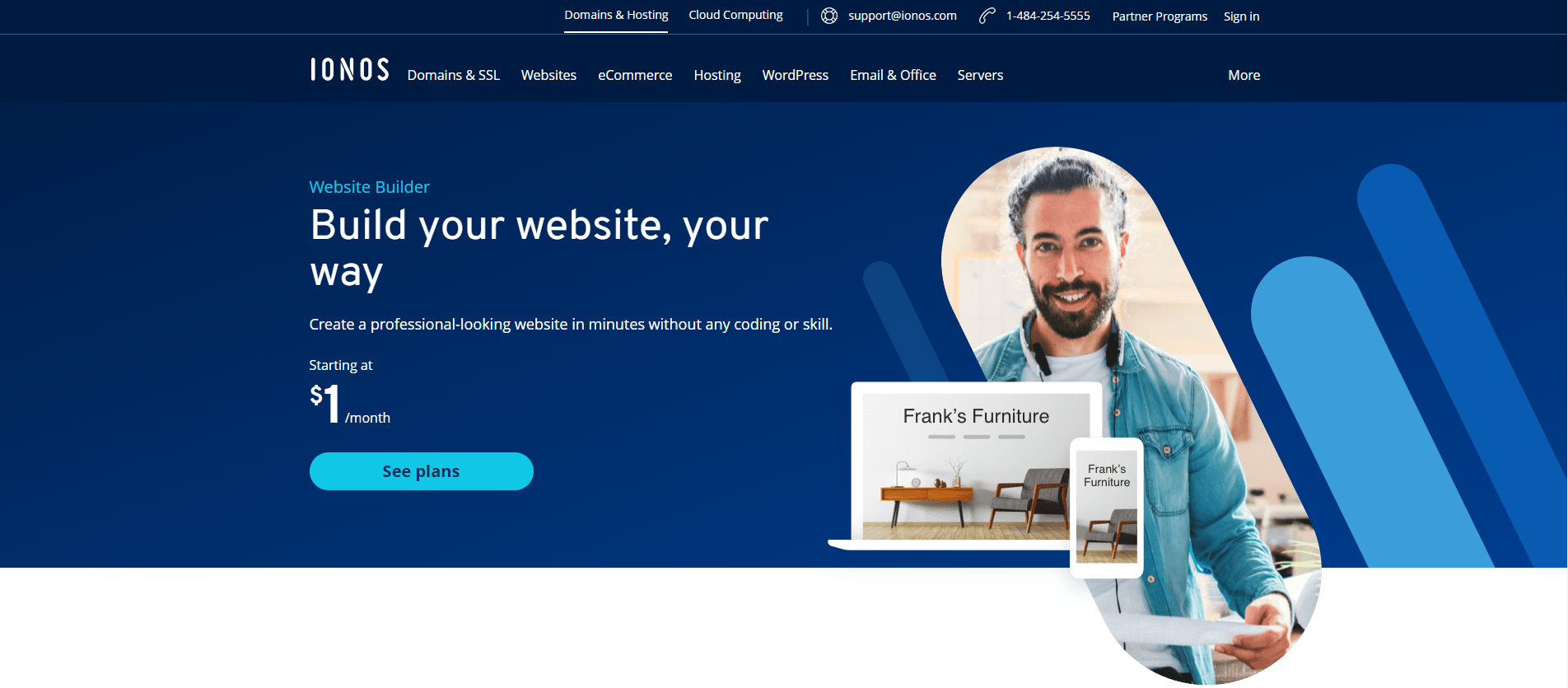
1&1 IONOS is a simple constructor that will allow you to create a simple website.
Purpose: landing pages.
Benefits: ease of use, complex SEO tools.
Disadvantages: no free plan
Price: the price starts from 5 dollars.
Squarespace

Squarespace is a perfect choice for creative people who have their own blogs. It is a complex constructor that can be helpful to both huge companies and small business owners. With Squarespace, you can create a beautiful page with an attractive and modern design.
Purpose: personal blog, small business.
Benefits: cool templates, a wide range of helpful options, and a 14-day trial.
Disadvantages: the constructor is not that fast, and customization needs improvements.
Price: ranges from 16 to 49 dollars per month.
Jimdo Creator
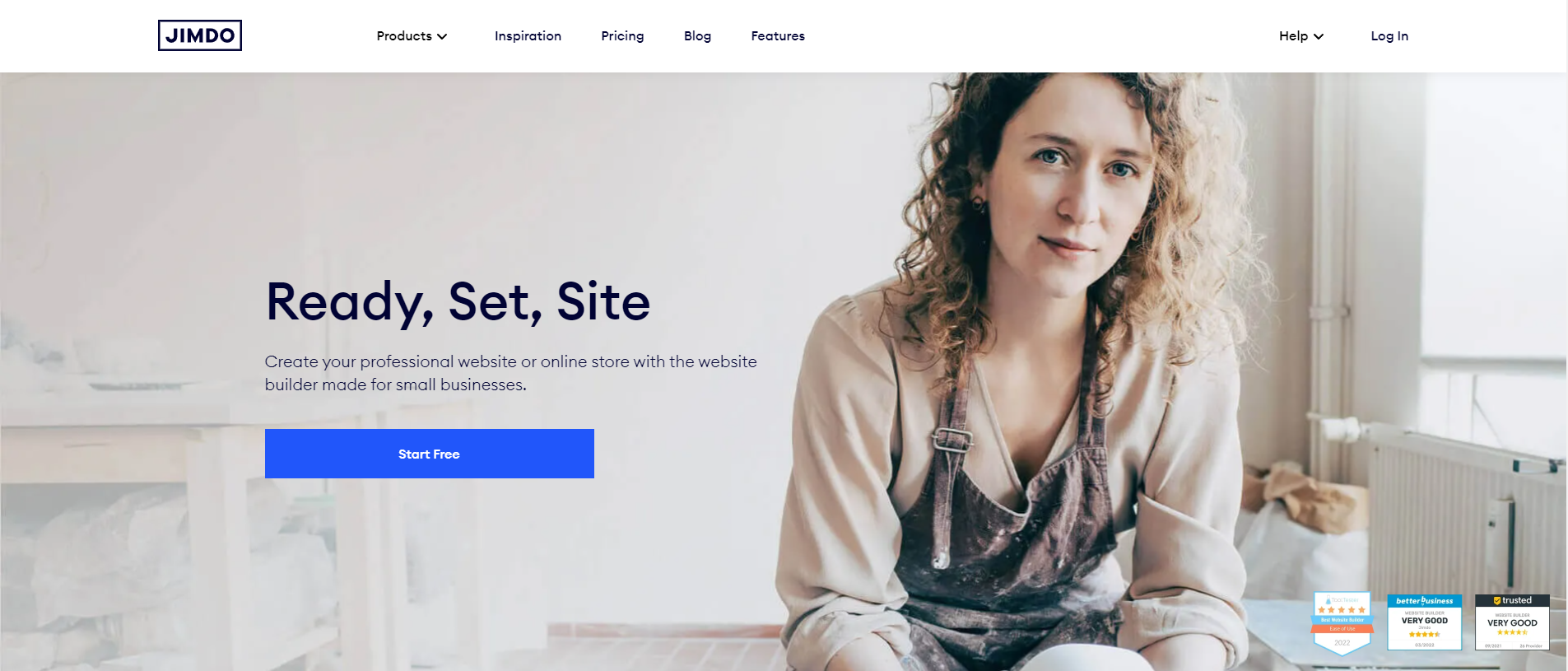
Jimdo provides the cheapest plans that are available without any ads, which can be really helpful for those who want a website but do not want to spend much money. But on the other hand, Jimdo can only make basic and simple sites, so if you are interested in a powerful and modern solution, Jimdo is not your path.
Purpose: simple sites or personal blogs.
Benefits: free plans, free templates, no ads.
Disadvantages: no support, and not all important options are available.
The price: ranges from 0 to 40 dollars per month.
Strikingly
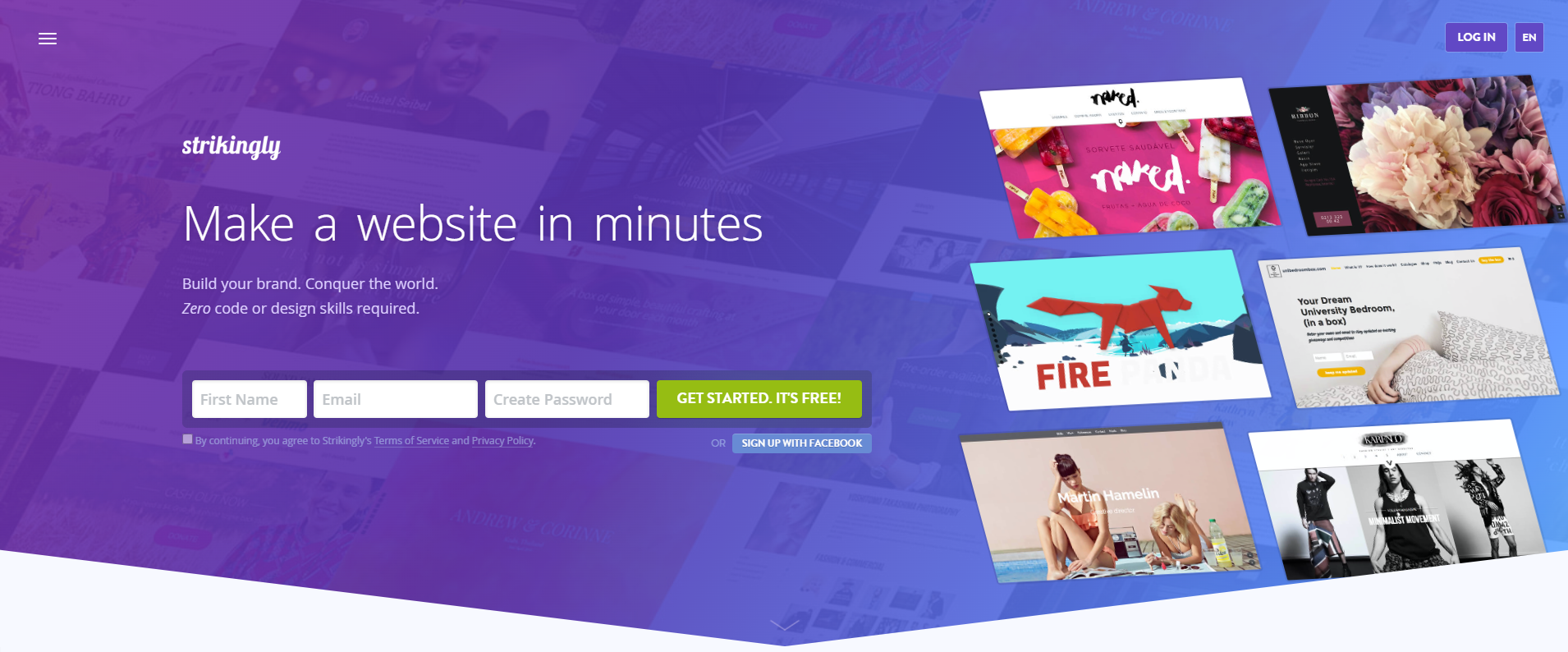
Speaking of landing pages and simple sites Strikingly is the constructor that does its work 100% right. If you are new to website development, with Strikingly's interface, you will understand everything. But if you are interested in a complex website with a lot of content, it is better for you to choose another constructor.
Purpose: landing pages.
Benefits: simple interface, perfect for projects from scratch
Disadvantages: doesn't suit complex projects, minimum creativity, can't add more content.
Price: ranges from 0 to 159 dollars per month.
SITE123
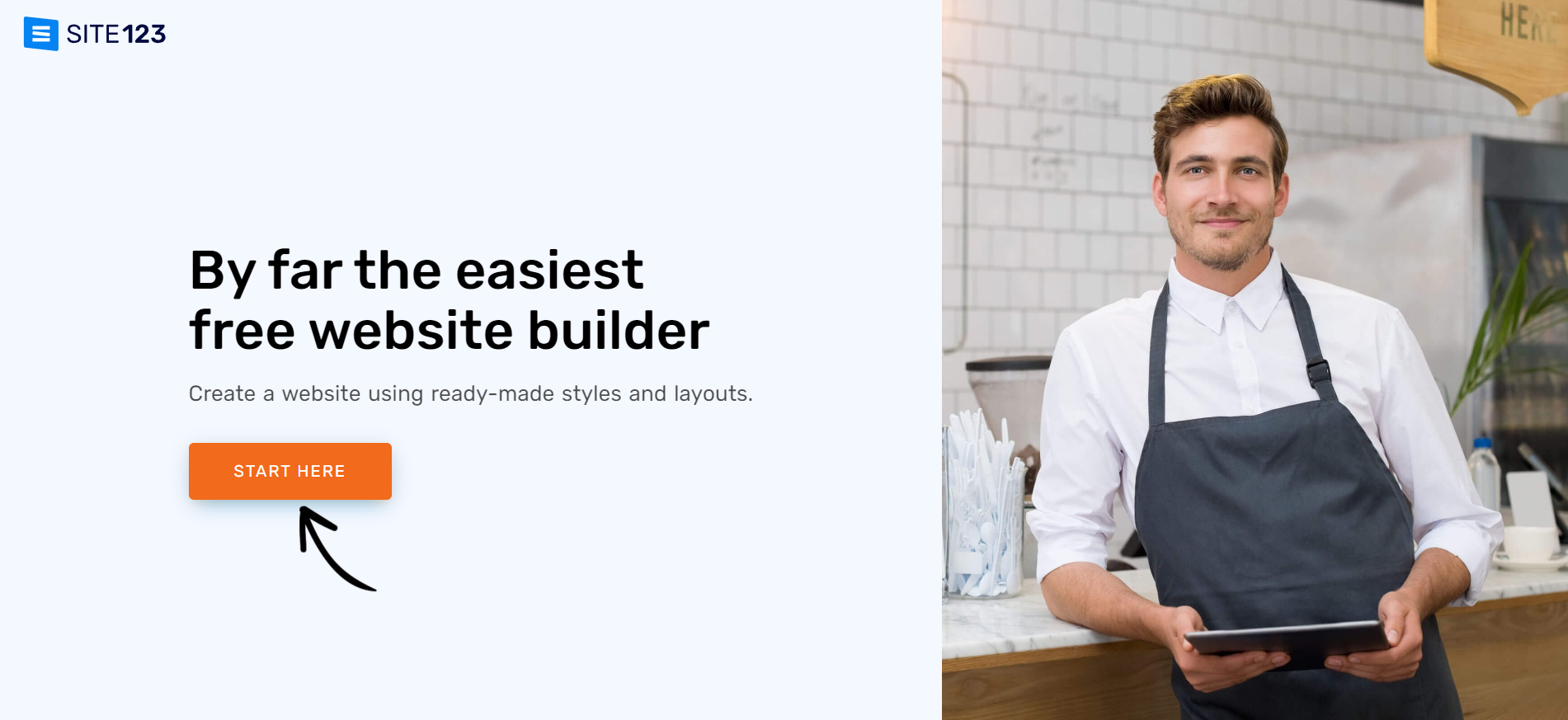
SITE123 is a simple builder for those who love to create content. It is very easy to use and also provides a free plan if you are not ready to pay yet.
Purpose: small business or personal blog.
Benefits: simple interface, multilingual support.
Disadvantages: a lot of ads, access is limited.
Price: 10,8 dollars per month.
HostGator
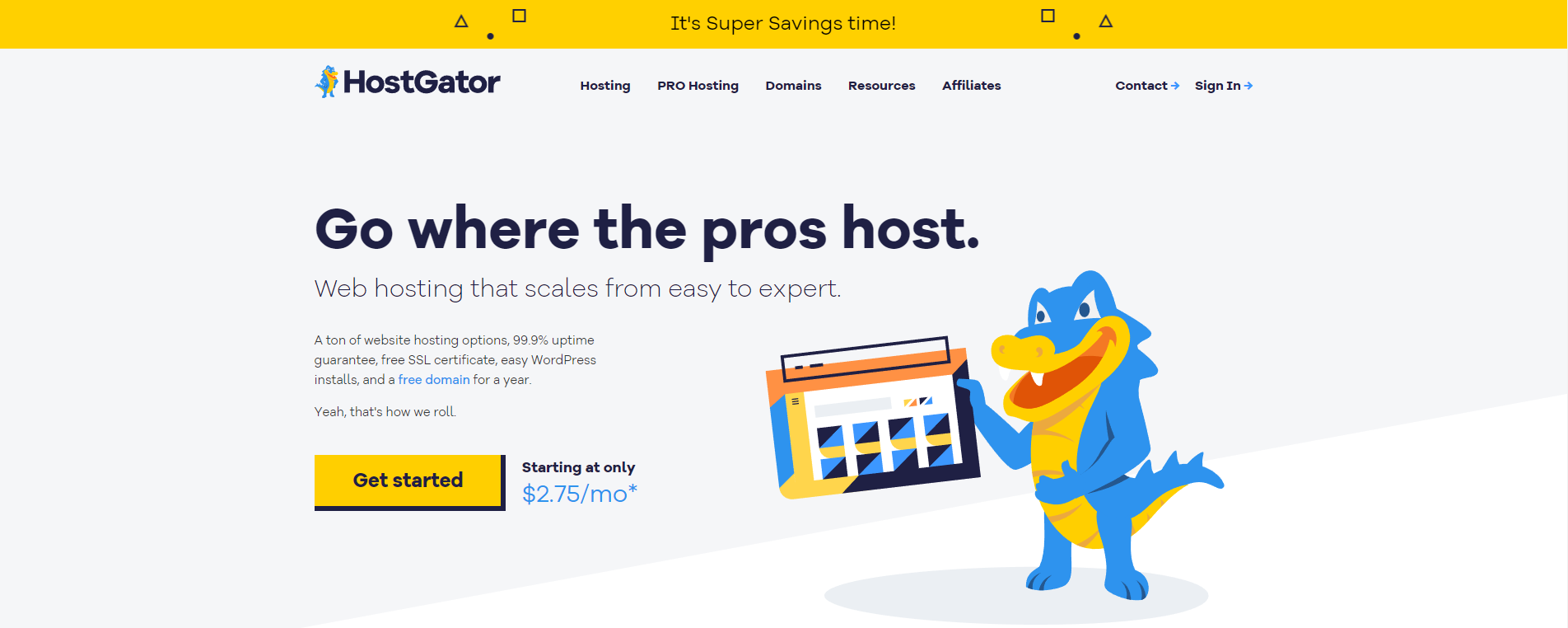
HostGator may be considered the cheapest builder that meets all modern business needs for every business owner.
Purpose: e-commerce, landing pages, small business.
Benefits: free SSL, domain.
Disadvantages: limited e-commerce capability, basic options.
The price ranges between 3.46 and 9.22 dollars per month.
Wix

Wix is the most popular website constructor that meets all modern needs, so you can create a perfect and powerful page for your business. It is very simple to use, has more than 800 free templates, and is also trusted by millions of users.
Purpose: small business, e-commerce, landing pages.
Benefits: free plan, convenient interface, SEO support.
Disadvantages: really high prices, slow servers.
Price: ranges from 0 to 150 dollars.
Shopify

If you are selling goods on the Internet, you probably know about Shopify. This constructor is perfect if you have an online store.
Purpose: online stores.
Benefits: powerful selling tools.
Disadvantages: it's not that easy to use, and the service takes up fees after every sale.
Price: the price ranges from 29 to 299 dollars per month.
Zyro

Zyro is a very simple-to-use constructor that has many free templates and themes for your business website. It is much cheaper than other constructors, but at the same time, it has lower options and less modern solutions.
Purpose: personal blogs, simple landing pages.
Benefits: cheap, flexible templates editor.
Disadvantages: Not all important options are available.
Price: ranges from 2.69 up to 39.99 dollars per month.
WordPress.org
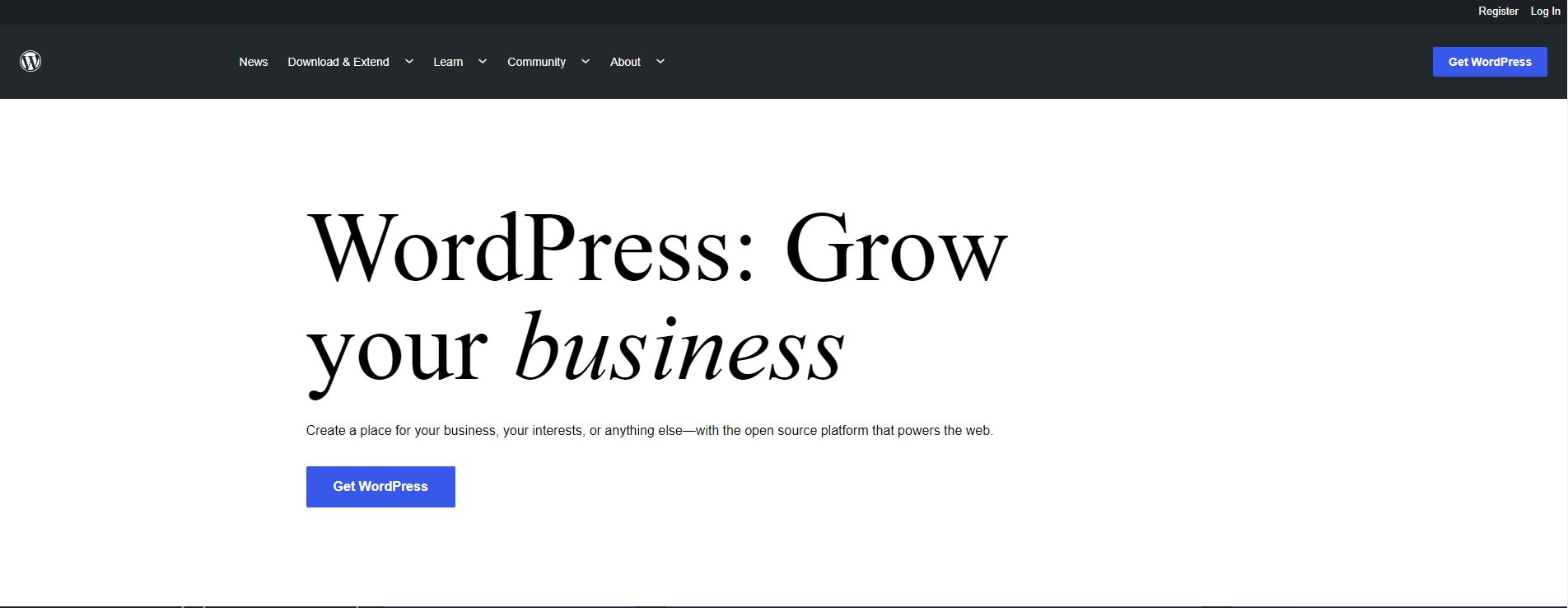
WordPress is a platform that has rather improved options for page creation. But the thing is that you should know some coding before you decide to work with WordPress.
Purpose: big projects, e-commerce, and personal blogs.
Benefits include thousands of free plugins, low prices, and a free plan.
Disadvantages: can't be easy for those who don't know to code.
Price: ranges between $4 and $45 per month.
Duda
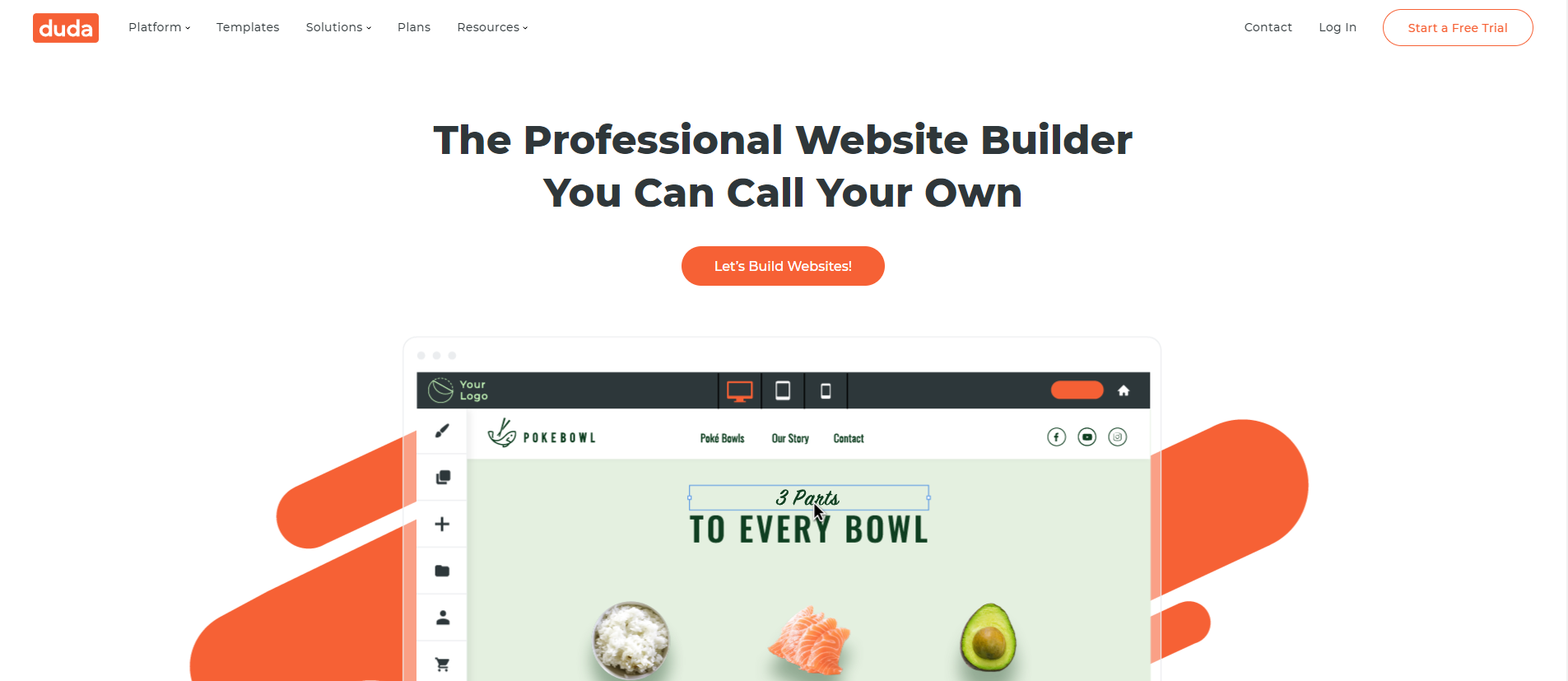
Duda is your way when you want to create a simple website with a minimalistic design. It has a lot of free templates, so it is literally perfect for web designers.
Purpose: huge projects, online store, personal blog, small business.
Benefits: extremely simple to use, with numerous useful options, widgets, and apps.
Disadvantages: quite expensive, poor SEO, not all functions are available for free.
Prices range between $14 and $59 per month.
What Is a Website Builder?
A website builder is a special online service that allows you to create websites. And it does not matter for what purposes: for business or a personal blog. With a website builder, page creation is available to everyone. Here are a few reasons why website builders are so popular:
- It is cheap. No one makes a wesbite for you – you do it yourself just using a constructor, so that is why it is much cheaper than ordering a website from a professional company. Moreover, it can also be free—most builders offer free plans, so you do not need to pay for your site. But without a subscription, none of the features are available.
- It is simple. You do not need to know some coding just to make a website because the graphic editor that many builders have is very simple to use. You can already see the result before uploading a website on the Internet, so you can always be sure that everything is perfect.
- It is reliable. When creating a website using website builders, you can be sure that all information stored on the page is protected and regularly stored on the website builder's servers. In addition, your future customers can also be sure that their data will be safe.
- It is convenient. No one will even know that you made the website yourself because, with the help of your creativity, it will look like it was commissioned by a professional company. You can add photos, videos, and various other elements to grab the attention of customers.
How to Choose the Best Website Builder for Your Needs
Before choosing a constructor ask yourself: what result do you want to get? Every website builder is different, so it is best for you to choose the one that suits you the most.
For small businesses
For a small business, a website should be simple and user-friendly but at the same time powerful and optimized for search engines. To do this, the page should have a lot of content that describes and shows your product from different angles. It should have as many interesting elements as possible (maps with your office location, a section with reviews about your company, as well as support pop-ups and other elements that will help your business.
You can make such a website using Wix.
For personal blog
A personal blog is primarily a mass of text content, so before working with some kind of constructor, make sure that you are comfortable publishing text. WordPress is perfect for this. However, other platforms are just as useful. For example, Squarespace is much more convenient and understandable.
You will not need increased cloud storage since there will be much less content like photos and videos on your blog than text. Consider this before paying for a subscription to a specific website builder.
For photographers
A page for a photographer is a kind of portfolio that reflects the essence of his work. To publish a lot of content, a free plan may not be enough. Therefore, it is worth choosing a website builder that provides simple but beautiful templates, as well as increased cloud storage for your content. As a sample, you can use Wix or Weebly.
For e-commerce
If you are a store owner, you may well consider moving online by creating an online marketplace for selling goods. With the creation of an online store, builders such as Shopify and Wix will cope—they have all the necessary tools that will allow you to create a powerful website for selling goods. Shopify is more focused on selling, but it takes a commission on every transaction you make with a customer. All platforms provide free features and pricing plans so that you can create a website at a low cost.
What Is the Cost of Website Building Using a Constructor?
The cost of the page is the first thing to consider when creating it. Sometimes it can be absolutely free if you use the free plans of a particular designer. But to create a powerful project, it is still worth spending a little money.
The constructor itself can be free, but otherwise, you will have to pay a few dollars a month-usually no more than 10 dollars. Hosting is also different: somewhere it costs 10, 40, or even 500 per month. But remember-the more expensive the service, the better it is and the more benefits it gives.
SSL is also relatively inexpensive, with offers ranging from $5 to $1,000, but the average option is around $60 per month. The monthly cost of a domain name varies from $10 to $20.
In total, it turns out that the approximate cost of a website with the help of a designer can be about $ 150 per month. It is much cheaper than, for example, ordering a website from a professional studio.
What is the difference between the self-made website and the one ordered from the web studio?
The main difference is that in the first case, you make the website yourself. You can make it the way you like: choose the interface, the colors you want, the fonts you like, that is, do everything the way you like. In a web studio, these processes will be led by designers, so you will have to go through several stages of improvements before accepting the final version, as the designer may do something that you definitely do not like.
But the difference also lies in the fact that the web studio employs professionals who do their job perfectly. They know everything about how to make a design that will definitely attract customers. Therefore, if you do not have the relevant skills that web designers have, it may be difficult for you to design the website yourself.
What are the difference between the website that was built on Builder and the one that used CMS?
It can be created by someone who is unfamiliar with layout, scripts, and CSS styles. The abbreviation reads as Content Management System (CMS) and implies scripts for generating and managing website content in an intuitive graphical interface.
The difference between a website builder and a CMS is that in the first case, ads can be enabled on your website (which can be disabled for an additional fee), and the functionality itself is much poorer. Also, when creating a website through the CMS, you are its rightful owner (so you use only the engine). When creating a page through the constructor, you will not be able to own the project in full.
What is the template and theme of the site?
Templates are fully-crafted web pages that contain everything you need to get started, such as sample content, galleries, internal pages, and built-in business features. Each one is fully customizable and can be used as a starting point for building your site. With the help of templates, you do not need to think about how to specifically create a site-just use the ready-made version, add content, and the web page is ready to meet customers.
The theme of a website is what makes it colorful, beautiful, and attractive. In the page builder, you can use ready-made options: fonts, colors, backgrounds, and other decorative elements are already selected in it. Or you can take advantage of creating your own theme and designing it from scratch to make it just the way you like it.
Why do I need SSL for my site?
An SSL certificate is needed in order for the website to work using the HTTPS secure connection protocol. This is something like a virtual document that contains data about the company and its owner and confirms their existence. The certificate also allows you to recognize the server and confirm the security of the site. An SSL certificate helps in the SEO promotion of the project. This allows you to take a higher position in the search results, as search engines, such as Google, value the trust of the audience and rank sites that work through a secure connection higher.
Frequently Asked Questions (FAQ)
Here are the clear answers to the common questions about website development using constructors:
How much do I need to pay for website creation and support?
It depends on how big your project is. In general, you can use the free functionality of the designer, so you won't have to spend much. However, in order to create a high-quality and perfectly working site, using basic tools is not enough. To do this, you need to use paid hosting, domain names, etc. The minimum investment will be about $ 150 per month for one site.
What is the cheapest way to create a site?
The cheapest way for website creation is definitely to use website constructors. They are cheap, require a minimum of effort, and the free plan includes free hosting and a ready-made domain. With the use of a constructor, the costs will be minimal.
However, if you want to use additional features, you will most likely have to pay some amount. But even so, it will come out much cheaper than ordering a turnkey website from a professional company.
What website builder is the most user-friendly?
The one that has a lot of positive reviews and the biggest score. It can be Weebly, GoDaddy, or Wix. To find out which one suits you the most, compare all of them just by using our clear comparison table. They are free and provide exceptional features such as a free domain name, free hosting, tons of templates, and ready-made themes, as well as an accessible and intuitive interface with a visual editor.
Do I need hosting?
To explain what hosting is, it is important to understand that a website is a collection of various files (text, pictures, videos). And for people to be able to see your site, it is not enough just to store it on their computer. They must be on servers 24/7. Renting such a server is called hosting.
Website builders already offer their hosting. But it is less reliable and not fast enough. For a better interaction of your clients with a website made through the constructor, it is advisable to rent a server and connect it to an existing page.
How Powerful Are Website Builders?
Without a doubt, we can say that website builders can really replace expensive web studios. With built-in tools and additional paid features, you can create a modern web page that meets all the needs of the average user. With proper setup, there will be no difference between a website that you create on your own through the constructor and one that was ordered from a professional studio.
Are there any internal SEO tools for website developers?
Yes, many website builders, such as Wix, provide powerful SEO tools that will help you to achieve a high position for your website in search results. To do this, using the internals, you can optimize the page infrastructure (for example, change the URL, improve navigation, remove unnecessary elements), set meta tags, or set the name of the site, and integrate with the Google Search Console.
What is the difference between a website builder and a web host?
Well, there is a big difference between these two concepts. Using only web hosting, it is impossible to create a full-fledged website if you do not understand programming. In addition, creating a project can take a lot of time, effort, and exceptional skills developed over the years.
The constructor does not require special knowledge; to create a website, you need to register an account and use your imagination and perfectionism to the maximum. In addition, compared to hosting, the constructor is absolutely free (except for additional services).





It's free and takes 2 minutes. There are 1500+ digital agencies in the catalog that are ready to help in the implementation of your tasks. Choose and save up to 30% on time and budget!