
Ads in Google Maps: How to Set Ads in Google Maps?
How to set ads in Google Maps?
Elit-Web experts share their opinion.
Today, it is complicated to assess the scale of the Google Maps platform that is based on using satellite images and digital cards. More than a billion people utilize this service every month. Practically, advertising in Google Maps is a very useful tool for your business promotion. Here, many clients can find your company and form opinions about it based on reviews. Therefore, it will be useful for you to get to know how to place your ads in Google Maps. Let´s find it out!
How do ads look on Google Maps?
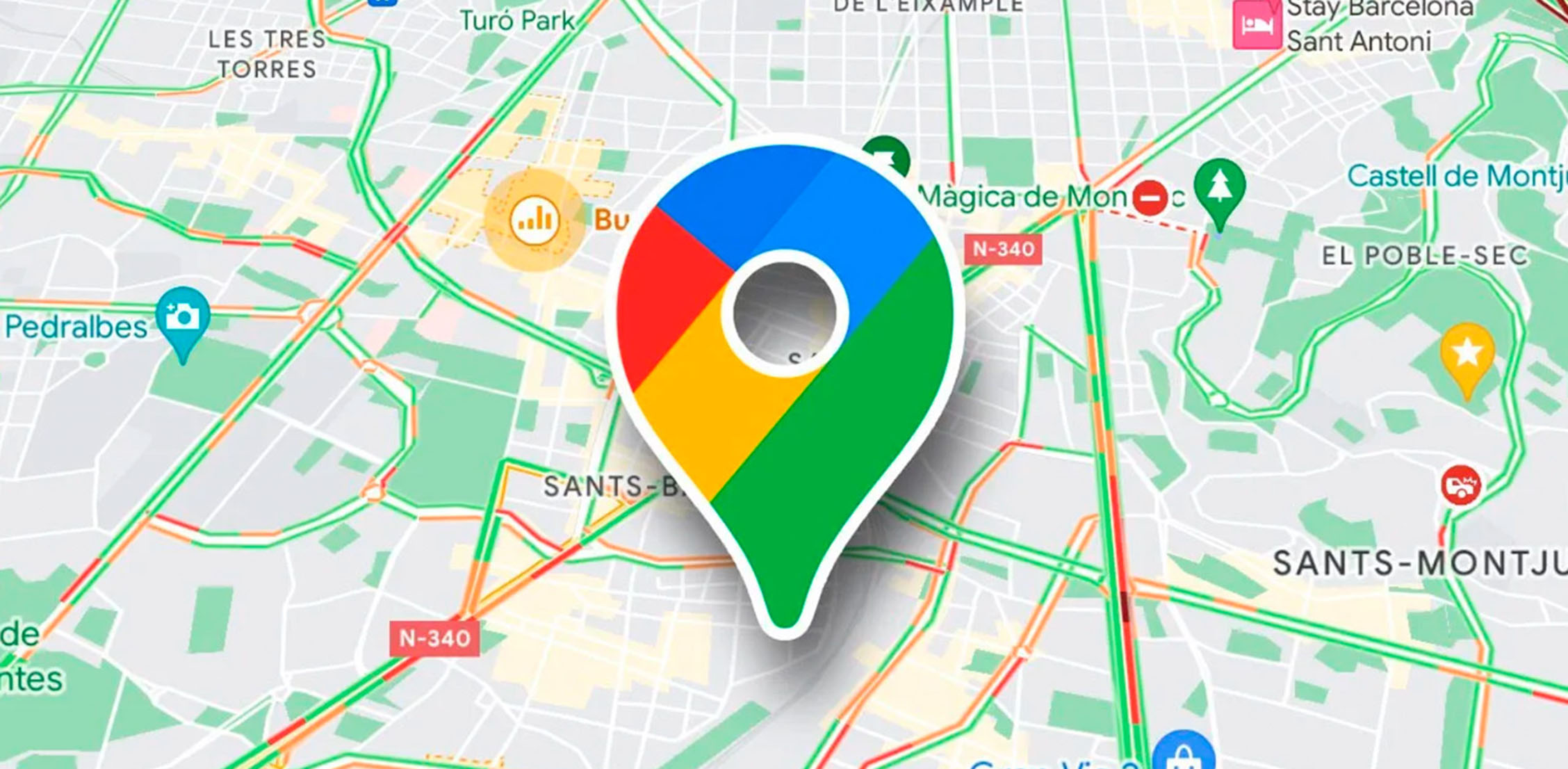
If you look at the Google Maps interface, you will see two main components: a map with marked objects to the right and a section of search with organizations´ cards to the left. The system evaluates the cards according to various criteria, mostly minding geolocation, and provides the user with priority access to objects that are located nearby from the place they are looking for, or from their geolocation. Also, this position depends on clients´ feedback and the level of account optimization.
If your company is among the Top 3 results of search rankings that many people would like to have, it will be perfect. However, in a highly competitive environment, especially, for young businesses, it might be rather complicated. In these cases, advertising on Google Maps might help a lot. This way, it is possible to get high positions in rankings even if the geolocation of the organization does not completely match the geography of the query.
The advertising cards look almost similar to common results, apart from ¨ads¨ mark. This makes the users treat it normally. In the message, the name of the company, rating, address, and business hours are displayed.
Why are ads on Google Maps useful?
Ads on Google Maps are one more way to increase brand awareness and draw the business´ attention. It is recommended to be used in complex with other methods of promotion on the Internet like SEO, contextual advertising, etc.
First of all, if information about your company is placed on the map and a person tries to plan a route near your office or shop, they will always come across your logotype sign. At the right moment, they will remember about your offer and use your services.
Secondly, advertising on Google has more chances to be shown if compared to ordinary search. It is due to geolocation. Often, the user just has to be in a specific district for the ad to be shown to them on Google Maps service.
Finally, one more obvious advantage of launching advertising on Google Maps is the fast opportunity to interact with offline shops. For instance, it is possible to call or plan a route to it. This feature helps engage new users in certain shops, especially, when people are nearby.
.png)
Ads click types on Google Maps
If you want to place ads on Google Maps and get results, you should know the details. Promotion with this service works analogically to contextual advertising, meaning, the money is withdrawn per click if the user does one of the following things:
- visits a landing page of the website where the advertised product is presented;
- clicks on the interactive number and tries to reach the advertiser with the help of the mentioned phone number;
- makes optimal and convenient routes to the place where the organization is located;
- opens the ad and gets more detailed information about the company´s geolocation.
You should think over which of the users´ actions are more important for you and choose click types that are worthy when launching ad campaigns. If you try the way ads on Google Maps work, you will make sure it is resultful. The launching does not require much effort and creativity plus such promotion does not cost a lot.
.png)
Algorithm of ad setting on Google Maps
How to add a company on Google Maps?
The first step to promotion on Google Maps is the creation of the company´s profile in Google My Business. If you have not done it before, you should register on GMB and fill out all the necessary data - physical address, contacts, etc. It is essential to clarify whether your company serves clients specifically in certain places or provides assistance to a wider audience.
Also, it is vital to mention the phone number, add a link to the website, and the main activity of your business. This data will be shown in the results of the company´s card and must be actual.
If you want to be in the top 3 search engine results on Google, it is important to think about how to get more than 5 reviews with 5-star ratings. If you meet this requirement, the detailed data about your company will become accessible to people. It is possible to see the rating data on the Google My Business page in ¨Reviews¨ section.
If you have branches in different locations, you need to add every institution separately.
The important elements of the company´s card are business hours, logotype, and short description.
Besides, in the ¨Attributes¨ section, it is useful to add information about parking, accessibility for people with disabilities, and other additional amenities.
To make your profile more attractive, it is recommended to upload photographs in categories like ¨Overview¨, ¨Interior¨, ¨Facade¨, ¨Team¨, and more.
Instructions for creating ads for Google Maps via Google My Business
Modern opportunities of Google are wide and enable to reach necessary results. If you wonder how to advertise on Google Maps, there are 2 ways: via Google My Business and Google Ads.
Working with GMB, you should begin with determining of targets of the advertising campaign. The system will suggest choosing between the provided variants.
To advertise on Google Maps choose the point related to the promotion of local shops. Then, determine the radius from the location of your company. The advertisement will be shown to people who are in the mentioned region.
Then, you should find keywords by which potential clients might find you and set the ad language. Besides, you should choose the business thematics. It is recommended to select not more than 7 positions.
After that, you should create the text of the advertisement. The system will suggest a title that consists of 3 elements and 2 levels of description. It is recommended to fill out all the fields to inform your clients of what you are doing. Then, set contact information to be shown in the advertisement.
After the creation of ads, Google will ask you to choose the budget for the campaign. It is possible to select one of the suggested variants or add your own.
Check inserted data for correctness and wait for the appearance of new clients.
Launching of search campaigns in Google Ads
Now, let´s figure out how to place ads in Google Maps with the help of Google Ads. In this case, you should visit the advertising cabinet. After the selection of a new campaign, determine the target, e.g. ¨Sales¨, or ¨Potential clients¨, and the type - ¨Search¨. For your ad to be shown on Google Maps, mention the method of reaching the target - ¨Shop attendance¨.
According to one of the requirements for ads to be displayed on Google Maps, you should put a tick in the section ¨Search partners of Google¨.
Then, go to geolocation. Choose ¨Expanded search¨ and set the radius of showing. If you connect GMB and Google Ads accounts, the system will suggest you choose the address from Google My Business. Accept the suggestion or manually specify a necessary location.
In the following step of setting, determine language, target audience, and budget. After that, launch the campaign.
How to analyze the results of advertising on Google Maps?
If you figured out how to set advertising on Google Maps, then, you will be able to track such clicks of users:
- by advertising;
- by ¨Routes¨ button;
- by ¨Call¨ button.
In the report, you may get extra data about:
- frequency of ads showing in different regions;
- sources from where visitors go to the page;
- number of made routes;
- an overall number of coming from Google Maps to the company´s website.
This data is crucial not only for the correction of ads and improving their efficiency, but also for the improvement of user experience on the website, optimization of navigation, and development of sections that engage the target audience.
Conclusion
Regardless of the simplicity of setting and effectiveness, ads on Google Maps cannot become the background of ad promotion on the Internet. This method of promotion is suitable especially for offline shops, beauty salons, cafes, bars, restaurants, and other similar places. It facilitates drawing the attention of the target audience to the business and lets clients find the things they are interested in faster.




It's free and takes 2 minutes. There are 1500+ digital agencies in the catalog that are ready to help in the implementation of your tasks. Choose and save up to 30% on time and budget!