
What is a highlight? or what are highlights on Instagram
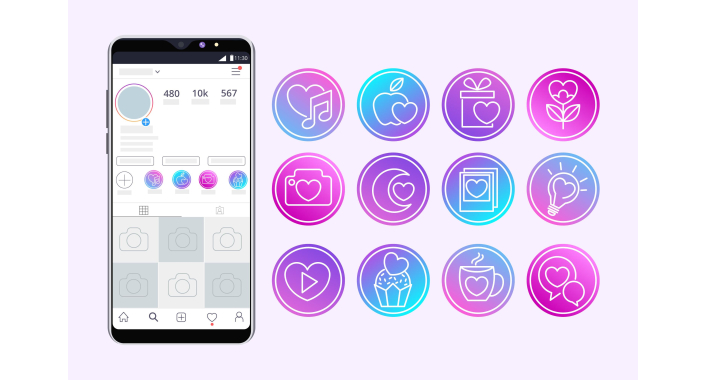
Social media has become an essential tool for brands and personal brands to advertise and communicate with their audience. Instagram, with its over a billion active users, is one of the most popular platforms for this. In the world of social media, every element of your profile matters, and one effective tool to increase your chances of standing out is highlights.
What is a highlight?
Highlights are a special feature on the Instagram platform that allows users to save and display their stories for longer than 24 hours, as is usually the case with stories. They are small icons located at the top of your Instagram profile that represent certain thematic groups or categories of stories.
Highlights are usually used to organize and visualize important content or thematic sections on your profile. Each highlight can have its own name and icon that reflect its theme. When a user clicks on a highlight, they can view all the stories that have been added to that highlight and can view them at any time.
Highlights help to improve the organization of your profile by allowing you to save stories that have lasting value or importance to you or your audience. They have become a popular tool for personal users and business accounts, helping to increase engagement with content and make the profile more informative and attractive to visitors.
How to create highlights?
Creating highlights on your Instagram profile is quite simple. Here are the steps you need to follow:
- Open your profile:Launch the Instagram app and go to your personal profile by tapping your photo at the bottom of the screen.
- Go to profile editing: Tap the "Edit profile" button below your name and short description.
- Create a new highlight: Tap the "+ New" button under the "Highlights" section. You'll see this even if you don't have any highlights created yet.
- Choose a name and icon: Enter a name for your highlight in the "Name" field and choose an icon that best fits the theme of your highlight. You can choose from the available icons or upload your own.
- Adding stories to a highlight: After creating a highlight, click on it. Now you can add stories to this highlight. To do this, open your story that you want to add, click on the "Save to highlight" or "Add to highlights" button (usually an icon with a "+" or "snoozed").
- Choosing a pointer: You can also choose a pointer that will appear above the highlight on your profile. A pointer is a small icon that indicates that there is certain content in the highlight. You can choose an icon from the list or upload your own.
- Saving Changes: After adding all the necessary stories and adjusting the highlight settings, don't forget to click the "Save" or "Done" button (usually at the top right or bottom of the screen).
That's it! Your highlights will now be visible on your profile, and your audience will be able to view them and learn more about your content.
How to use highlights for Instagram marketing?
- Highlighting products and services: Create highlights that allow you to showcase your products or services. This can help increase sales.
- Compelling Content: Use highlights to tell stories, create engaging content, and connect with your audience.
- Reviews and Reviews: Create highlights where you share testimonials and reviews from your customers or followers.
- Education and Training: Use highlights to create informative materials that teach your audience something new.
Highlight or highlights?
The term "highlight" can be used in both singular ("хайлайт") and plural ("хайлайты") in Ukrainian. Both options are correct and acceptable to use depending on your personal preferences or writing style. Thus, you can choose the form that seems more comfortable to you or matches your communication style.
Highlights in SMM
Highlights have become an integral part of the social media marketing (SMM) strategy. They allow you to strengthen the connection with the audience and increase brand awareness.
Highlights on Instagram are a powerful tool for attracting an audience, increasing interest in your content and increasing brand awareness. They can be used creatively and in a variety of ways to achieve your marketing goals in the world of social media. Do not forget about their relevance and constantly update the content to keep your audience interested.
FAQ:
-
What are Instagram highlights?
Instagram highlights are a collection of short videos or photos that you can add to your profile to highlight important moments or stories. -
How do I create highlights on my profile?
To create highlights on your Instagram profile, go to thesection, select the desired story and click the button. Then select or create a new highlight and select videos or photos for it. -
How many highlights can you create on your profile?
On Instagram, you can create up to 100 highlights on one profile. -
Who can view my highlights?
Your highlights will be available for viewing by all users who have access to your profile. You can adjust your profile privacy if you want to limit access to highlights.





It's free and takes 2 minutes. There are 1500+ digital agencies in the catalog that are ready to help in the implementation of your tasks. Choose and save up to 30% on time and budget!